
Anthropic Computer Use Explained: What It Is and What Agents Can Do With It
Anthropic’s Computer Use capability does something simple and significant: it lets Claude look at a screenshot and decide what to click next. The model sees the screen, returns an action, your code executes it, takes another screenshot, and the loop continues until the task is done.
That’s the whole mechanism. The implications are larger than the mechanism suggests.
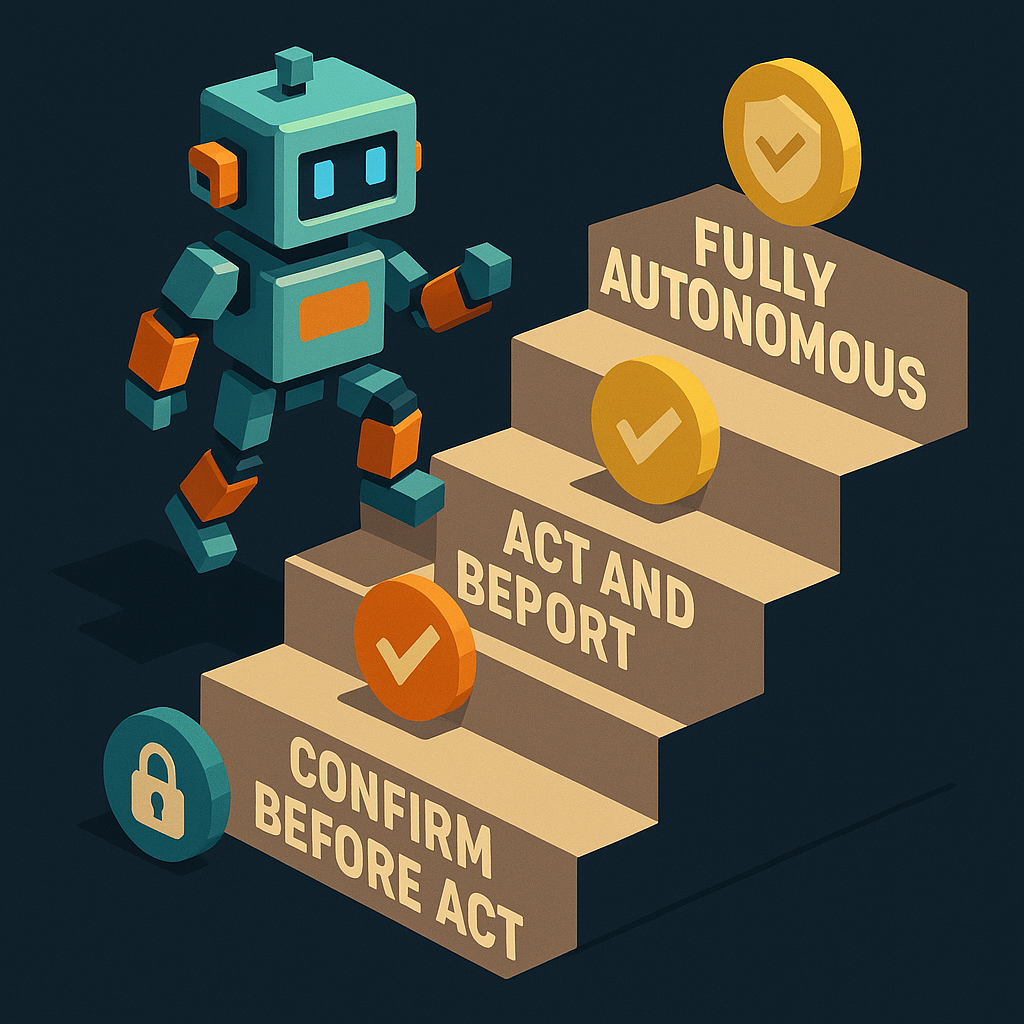
What Computer Use actually does
Computer Use is a capability accessed through the Anthropic API, not a standalone product. You pass Claude a screenshot. Claude returns a structured action — click at (x, y), type “search query”, press Enter, scroll down. Your code executes the action, takes a new screenshot, and repeats.
import anthropic
import base64

client = anthropic.Anthropic()

def get_next_action(screenshot_bytes):
    with open(screenshot_bytes, "rb") as f:
        image_data = base64.standard_b64encode(f.read()).decode("utf-8")

    response = client.beta.messages.create(
        model="claude-opus-4-6",
        max_tokens=1024,
        tools=[{"type": "computer_20250124", "name": "computer", "display_width_px": 1280, "display_height_px": 800}],
        messages=[{"role": "user", "content": [
            {"type": "image", "source": {"type": "base64", "media_type": "image/png", "data": image_data}},
            {"type": "text", "text": "Find the price of the Pro plan and click Subscribe"}
        ]}],
        betas=["computer-use-2025-01-24"]
    )
return response.contentComputer Use is an AI model capability that enables agents to operate software through its visual interface — the same way a human would. The model receives screenshots and returns structured actions (click, type, scroll, key press) that the host application executes. It enables automation of any task visible on screen, including those without API integrations.
What it unlocks
The core value of Computer Use is operating software that has no API. The web is full of tools, services, and workflows that are only accessible through a graphical interface. Before Computer Use, automating these required custom browser automation scripts, often brittle and expensive to maintain. With Computer Use, the model handles the visual reasoning.
| Task type | Without Computer Use | With Computer Use |
|---|---|---|
| SaaS with no API | Manual or custom scraper | Claude navigates UI directly |
| Legacy enterprise software | Not automatable | Claude operates the interface |
| Multi-step web workflows | Playwright/Selenium scripts | Claude follows the workflow visually |
| Form filling across sites | Per-site automation | General-purpose visual navigation |
The catch: Computer Use is slower and more expensive than purpose-built API tools. Each screenshot roundtrip adds latency. A web search that takes 200ms via web_search API might take 5–10 seconds via Computer Use navigating a browser. Purpose-built tools win on cost and speed when they exist. Computer Use fills the gaps.
Where it fits in an agent stack
"Economic actors — stress both words independently. Eyes, ears, hands, legs, and a wallet."
 Louis Amira, co-founder, Circuit & Chisel
Computer Use covers the “hands and legs” part of that description — the ability to navigate and interact with environments. It doesn’t cover the wallet.
An agent using Computer Use to navigate to a checkout page still needs a payment method to complete the transaction. Computer Use can fill out the form. It can’t fund the purchase. That’s where a virtual card or ATXP’s payment_make tool enters the stack.
The practical architecture for a Computer Use agent doing commerce:
- Computer Use for navigation, form interaction, UI-dependent tasks
web_search/web_browsevia ATXP for tasks with API access (faster, cheaper)- Virtual card for merchant checkout (Computer Use fills the form; the card funds it)
- ATXP IOU balance for all other tool calls in the same run
Limitations worth understanding
Requires a running desktop environment. Computer Use needs something to take screenshots of. Headless operation requires a virtual display (Xvfb or equivalent). This adds infrastructure overhead that API-based tools don’t have.
Slower than API tools. Each action requires a screenshot roundtrip to the model. A task that takes 5 API calls might take 20+ Computer Use cycles.
Vision errors compound. If Claude misreads a UI element — confuses a “Subscribe” button for a “Cancel” button — downstream actions build on that error. Human review for high-stakes actions is worth the tradeoff until reliability is established.
Can’t see what’s off-screen. Computer Use only operates on visible UI. Paginated results, collapsed menus, and content below the fold require explicit scroll actions.
The marketing video test
One useful frame: if the same task could be done 5 minutes later by a different agent without Computer Use — via a proper API — it probably should be. Computer Use is for tasks that genuinely require visual navigation. Using it as a general-purpose web automation tool when web_search would do the job is unnecessary overhead.
The test isn’t “can Computer Use do this?” — it usually can. The test is “is Computer Use the right tool for this specific task?”
npx atxpPurpose-built tools for what they cover. Computer Use for what they don’t. What can an AI agent do? → · How agents pay for API calls → · Agent payment models →
Frequently asked questions
What is Anthropic Computer Use?
A capability in Claude that lets it operate a computer via screenshots — click, type, navigate, interact with any visible UI. Accessed via the Anthropic API; your code executes the actions Claude specifies.
How is Computer Use different from browser automation tools like Playwright?
Playwright requires scripted selectors; Computer Use uses visual reasoning. Computer Use handles novel UIs without per-site scripts. Playwright is faster and more reliable for known, stable interfaces.
Does Computer Use replace purpose-built tools like web_search?
No. Purpose-built API tools are faster and cheaper for tasks they cover. Computer Use fills gaps where no API exists. What tools do agents have? →
What does a Computer Use agent still need for commerce?
A payment method. Computer Use can navigate to checkout; it can’t fund the purchase. A virtual card or payment_make tool completes the transaction. Agent payment models →
Is Computer Use production-ready?
For supervised workflows where errors can be caught, yes. For fully autonomous high-stakes operations, reliability is still maturing. Start with human review for irreversible actions.
What infrastructure does Computer Use require?
A desktop environment (physical or virtual), screenshot capture, and action execution plumbing. Plus payment infrastructure if the agent needs to complete purchases. How to give an agent a budget →