
How to Give an AI Agent a Budget
The most common approach to agent budgeting: give the agent a card with a $500 limit, assume it won’t spend more than it needs to, and monitor the transaction log occasionally. This works until it doesn’t — and when it doesn’t, the failure modes are expensive.
The right approach is different. The budget is a design decision, not a configuration detail. It gets made before the agent runs, sized to the actual task, and enforced by infrastructure the agent can’t influence.
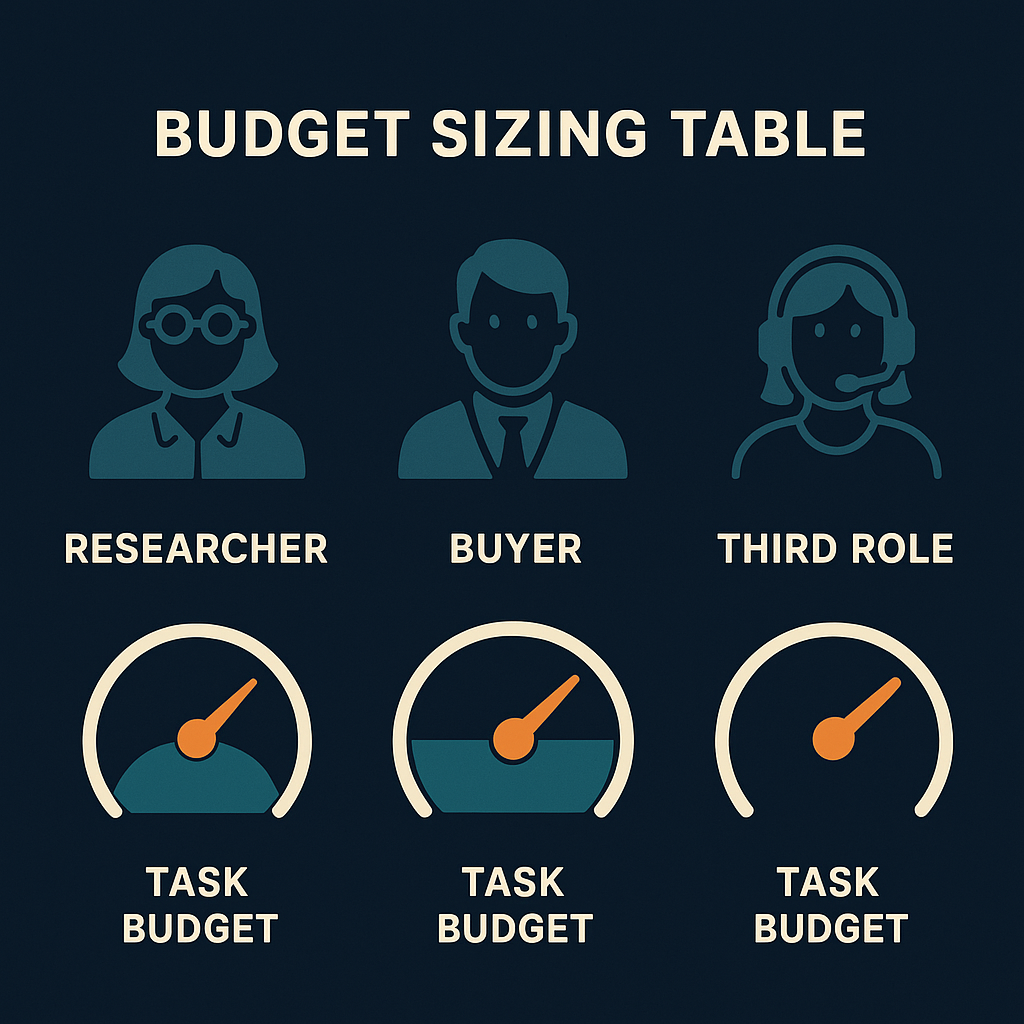
What “giving an agent a budget” actually means
Giving an agent a budget means setting a structural spending ceiling before the agent runs. Not a soft instruction (“don’t spend more than $10”), but a hard limit enforced outside the agent’s own logic.
The distinction matters because agents fail. Retry loops, misinterpreted instructions, prompt injection — any of these can cause an agent to spend more than intended. A soft limit embedded in application code can be bypassed by the same failure that caused the overspend. A structural ceiling can’t be.
A structural spending ceiling is a financial limit enforced by infrastructure rather than by the agent's behavior. A card balance and an IOU token balance are both structural ceilings: when the balance reaches zero, the agent stops regardless of what it's doing or why. The ceiling is external to the agent's code and cannot be bypassed by bugs, misinterpretation, or prompt injection.
Sizing the budget to the task
The most common budgeting mistake isn’t setting too low a limit — it’s setting too high a one. A $100 budget for a task that costs $0.30 doesn’t feel like a risk, but it means the worst-case financial damage from that agent going wrong is $100, not $0.30.
The correct approach: estimate the task’s actual cost, add a buffer for retries, and set the budget there.
| Agent task | Typical tool calls | Estimated cost | Appropriate budget |
|---|---|---|---|
| Research task (20 web searches) | 20 × web_search | ~$0.08 | $0.15 |
| Competitive analysis (browse 5 pages) | 5 × web_browse | ~$0.10 | $0.20 |
| Image generation batch (10 images) | 10 × image_generate | ~$0.40 | $0.60 |
| Email campaign (50 sends) | 50 × email_send | ~$0.10 | $0.20 |
| Full research + report + email | Mixed | ~$0.25 | $0.40 |
The buffer exists for retries and edge cases, not for comfort. A 50% buffer is reasonable. A 10x buffer is not — it’s an uncontrolled blast radius.
"I was shocked how cheap it actually is once you're routing efficiently. The agents that seemed expensive were the ones with unnecessary overhead, not the ones doing a lot of work."
 Louis Amira, co-founder, Circuit & Chisel
Most tasks are cheaper than they look. The budgeting instinct is to overestimate because it feels safer — but the overestimate is the risk.
How to implement the budget
Two models for structural ceilings, used in combination:
IOU token balance — for tool calls (web search, image generation, email, code execution). Fund an account with the task budget. Each tool call deducts automatically. Balance hits zero: agent stops.
# Fund for a specific task
npx atxp fund --agent "researcher" --amount 0.20

# Set per-category limits within that balance
npx atxp limits --agent "researcher" --web-search 0.15 --image-gen 0.05

# Check balance before running
npx atxp balance --agent "researcher"
Virtual card — for third-party merchant purchases requiring a real card number. Load with the specific purchase amount. One card per task, revoked when done.
For most agent stacks: IOU tokens for all tool infrastructure, virtual cards only when a merchant requires a card number. The overhead and economics of cards don’t work for sub-dollar tool calls.
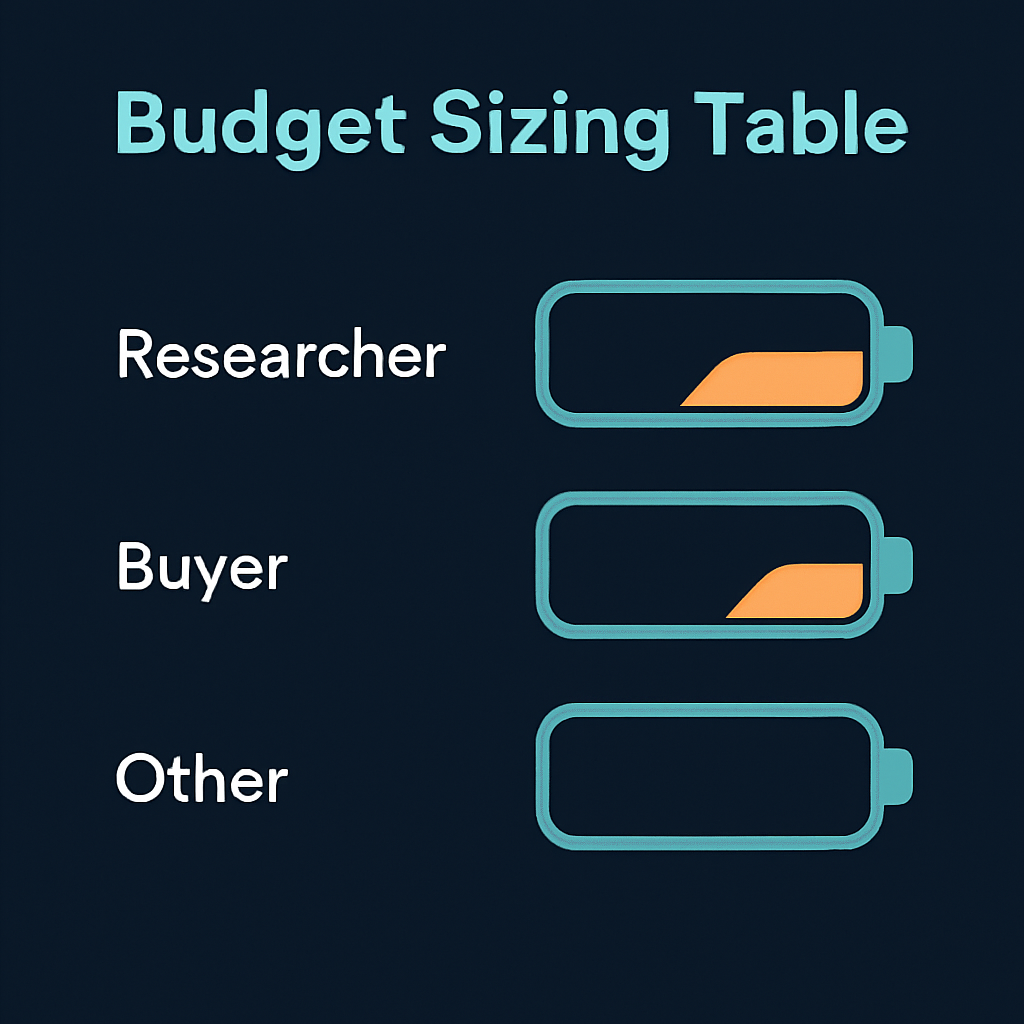
Per-category limits
A total balance controls how much the agent can spend overall. Per-category limits control how it can spend within that balance. Both are useful; they solve different problems.
| Limit type | What it prevents | Example |
|---|---|---|
| Total balance | Any overspend beyond task budget | $0.20 balance for a $0.15 task |
| Per-category | Runaway usage of one expensive tool | $0.05 cap on image generation |
| Per-agent isolation | One agent affecting another’s budget | Separate accounts per agent |
An agent with a $1 total balance but no category limits could theoretically spend all $1 on image generation — 25 images when 2 were needed. Category limits prevent that without reducing the total budget.
Common mistakes
Setting the budget to a round number. $10, $50, $100 — these numbers are arbitrary. They feel safe because they’re familiar amounts, not because they match the task. A $10 budget for a $0.10 task means the worst case is $10.
Sharing a balance across agents. If a buyer agent and a researcher share a balance, the buyer’s retry loop can exhaust the researcher’s budget. Per-agent isolation means each agent’s worst case is bounded to its own ceiling.
Treating the balance as approximate. “I funded it with $5 and the task cost $0.40 — fine.” The $4.60 that didn’t get used is $4.60 of blast radius sitting in that account. Refund or reset after each task run.
Setting limits in application code instead of infrastructure. Code-level limits can be bypassed. Infrastructure-level limits cannot. If your budget enforcement lives in a conditional in the agent’s task loop, it’s a soft limit — which means it can fail exactly when you need it most.
npx atxpPre-funded accounts. Per-agent isolation. Per-category limits. Financial zero trust → · Spending limits → · Horror stories →
Frequently asked questions
How do I give an AI agent a budget?
Fund a pre-funded account (IOU balance) with the amount the task requires. The balance is the structural ceiling — when it hits zero, the agent stops. Set it before the agent runs, sized to the task cost plus a 10–20% retry buffer.
What’s the difference between a soft limit and a hard budget?
Soft limits live in application code and can be bypassed by bugs or misinterpretation. Hard budgets are enforced by infrastructure (IOU balance, card balance) and cannot be bypassed by the agent regardless of its behavior.
How much should I budget for a task?
Estimate the tool calls required, multiply by per-call cost, add 10–20% for retries. Most tasks cost under $0.50. A research task with 20 web searches costs roughly $0.10. Size to that — not to a comfortable round number.
Can I set limits by tool type?
Yes. npx atxp limits --web-search 0.15 --image-gen 0.05 sets per-category caps within the total balance. Useful when one tool type could consume a disproportionate share of the budget.
Should each agent have its own budget?
Yes. Per-agent isolated accounts mean one agent’s overspend can’t affect another’s. Financial zero trust →
What happens when the budget runs out?
The next tool call is declined. The agent stops. You see the balance hit zero in the transaction log and can investigate, refund, and re-run. What happens when the card is declined →