
How to Add ATXP to Claude Code
Claude Code is the most capable coding agent available. What it doesn’t have by default: a way to search the web on its own terms, make purchases, send email from a persistent address, or access the world outside your codebase.
ATXP adds all of that in one command.
The short answer
Run npx atxp in your terminal. ATXP registers as an MCP server. Restart Claude Code. ATXP’s full tool suite — web search, web browsing, image generation, code execution, email, payments, and more — appears automatically in Claude Code’s tool registry.
No API keys to manage. No separate billing accounts. One command.
What ATXP adds to Claude Code
The Model Context Protocol (MCP) is an open standard that lets AI systems like Claude Code discover and call external tools through a standardized server interface. ATXP registers as an MCP server, exposing its full tool suite — web search, image generation, email, payments, and more — so Claude Code picks them up automatically on restart without any additional configuration.
Claude Code is exceptional at what it does: reading codebases, writing code, running tests, fixing bugs, and making commits. ATXP extends what it can reach beyond the codebase.
| Capability | Claude Code (default) | With ATXP |
|---|---|---|
| Read and write code | Yes | Yes |
| Run terminal commands | Yes | Yes |
| Web browsing (fetch URL) | Limited | Full browsing + JS rendering |
| Web search | No | Yes — dedicated search API |
| Image generation | No | Yes |
| Audio generation | No | Yes |
| Video generation | No | Yes |
| Email (send/receive) | No | Yes — dedicated @atxp.email |
| Payment account | No | Yes — pre-funded IOU balance |
| Persistent agent identity | No | Yes — agent handle |
| File storage | Local only | Cloud storage available |
The practical use cases this unlocks for Claude Code:
- Research-driven development — Claude Code can search for current documentation, find package changelogs, and check for known issues in real time rather than relying on training data cutoffs
- Asset generation — generate images, diagrams, or audio files as part of a development workflow without switching tools
- Purchasing and procurement — buy API credits, provision test accounts, or order physical goods as part of an automated workflow
- Email-driven workflows — receive verification emails during automated account provisioning, handle email-based confirmations in testing pipelines
Setup: three steps
Step 1: Install ATXP
npx atxpThis runs the installer, provisions your agent account (identity + 10 free IOU tokens + email address), and registers ATXP as an MCP server in your environment.
Step 2: Restart Claude Code
Claude Code automatically discovers MCP servers registered in your environment. After restarting, ATXP tools appear in the tools panel.
Step 3: Verify the connection
In a Claude Code session, ask: “What ATXP tools do you have access to?”
You should see the full tool list: web_search, web_browse, image_generate, audio_generate, email_send, email_receive, llm_complete, file_store, code_execute, and the payment tools.
Using ATXP tools in Claude Code sessions
Once connected, you use ATXP tools the same way you use any Claude Code capability — by describing what you want:
Web search:
Search for the latest changelog for the Prisma ORM and summarize breaking changes in v6.Image generation:
Generate a dark-mode diagram showing the relationship between these three database tables
and save it to ./docs/schema-diagram.png
Email:
Send a summary of today's test results to engineering@company.com from my agent email address.
Include the pass/fail counts and any failing test names.
Purchase:
Purchase a $10 credit on SerpAPI for the search integration.
Use my ATXP payment account. Confirm the order ID when done.
Claude Code handles the reasoning and code; ATXP handles the tool execution and payment.
Managing the IOU balance
Claude Code’s built-in capabilities (code writing, file editing, test execution) are free. ATXP’s paid tools (web search queries, image generation, purchases) draw from your IOU balance.
Check balance:
npx atxp statusAdd tokens:
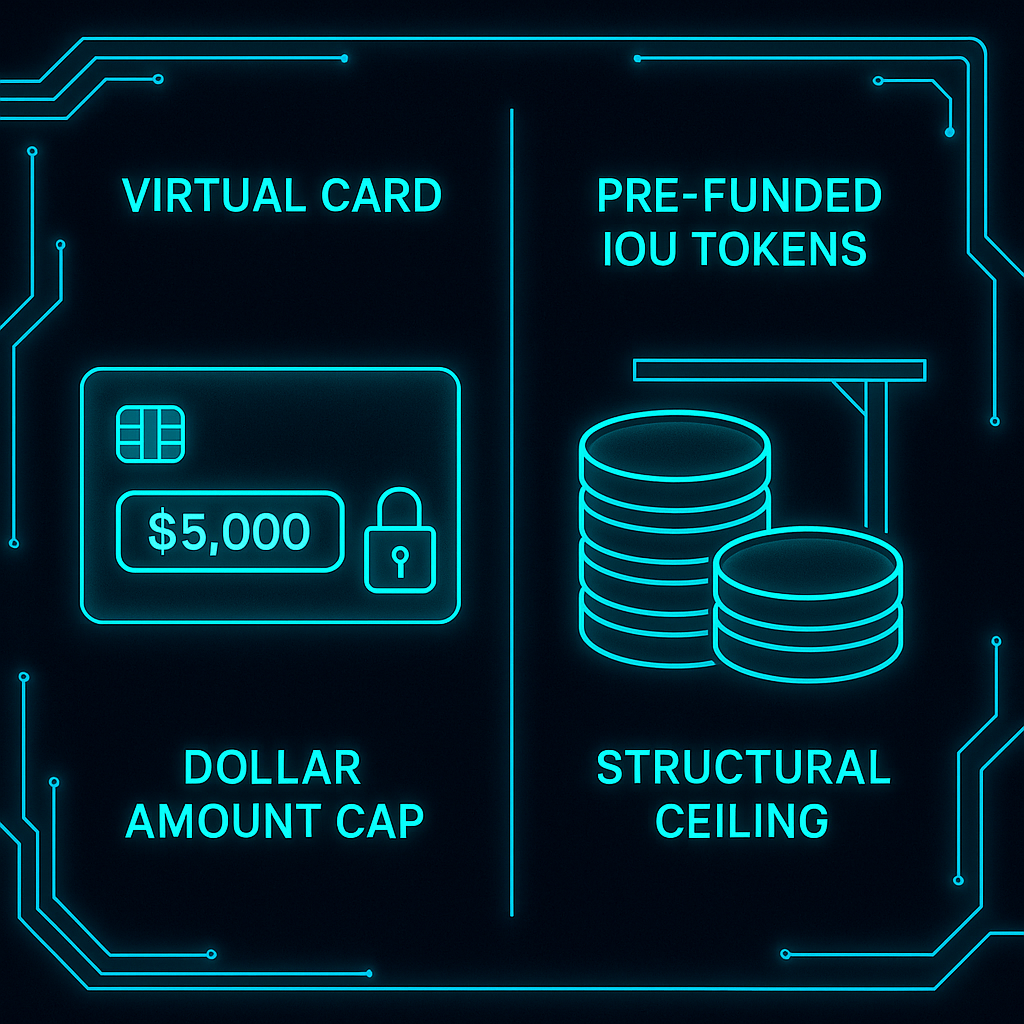
npx atxp fundSet limits to prevent unexpected spend:
npx atxp limits --daily 5 --commerce 50For detailed per-session spending: npx atxp log shows every tool call from every Claude Code session.
A complete workflow example
A development workflow that uses both Claude Code’s native capabilities and ATXP tools:
1. [Claude Code] Read the current codebase and identify the failing test
2. [ATXP web_search] Search for known issues with the library version used
3. [Claude Code] Write a fix based on the current documentation
4. [Claude Code] Run the test suite and confirm the fix passes
5. [ATXP email_send] Email the test results summary to the team
6. [Claude Code] Create a pull request with the fix
Steps 2 and 5 use ATXP tools; the rest use Claude Code’s native capabilities. The agent handles the full workflow without switching tools or asking you to do steps manually.
# Add ATXP to Claude Code
npx atxp

# Then restart Claude Code
# ATXP tools appear automatically
10 free IOU tokens on registration. Full docs at docs.atxp.ai →
Frequently asked questions
How do I add ATXP to Claude Code?
npx atxp installs ATXP as an MCP server. Restart Claude Code — ATXP tools appear automatically in the tool registry.
What does ATXP add to Claude Code?
Web search, image generation, audio/video generation, email (send/receive), pre-funded payment account, persistent agent identity, and cloud file storage.
Does ATXP work with Claude Code’s MCP support?
Yes. ATXP registers as an MCP server and Claude Code picks it up automatically.
Can Claude Code make purchases with ATXP?
Yes — once the IOU balance is funded and ATXP is connected.
How do I track what Claude Code spent via ATXP?
npx atxp log — every tool call, timestamp, cost, and input/output. How to audit your agent’s spending →
What’s the IOU balance for?
Paid tool calls: web search, image generation, purchases. Claude Code’s own capabilities (code, files, tests) are free.