
What Happens If My AI Agent Makes a Mistake?
AI agents make mistakes. That’s not a bug in AI — it’s the nature of any autonomous system. The question isn’t whether mistakes will happen; it’s whether your design makes them recoverable.
Here’s what kinds of mistakes actually happen, how to handle each, and how to build agents that fail safely.
The short answer
Most agent mistakes are recoverable if you’ve designed for it. Mistakes on research and generation tasks are easy — discard the output, adjust the goal. Mistakes on irreversible actions (purchases, sent emails, deleted files) require recovery via the normal channels. The design principle: require confirmation before any irreversible action until you’ve verified the agent handles that task type correctly.
The four categories of agent mistakes
A reversible agent action is one whose effects can be undone or ignored: research output, drafted text, generated content. An irreversible agent action is one that creates durable real-world effects: a sent email, a completed purchase, a deleted file. The primary design principle for safe agent deployment is requiring human confirmation before any irreversible action until the agent's judgment for that action type has been verified through observation.
Category 1: Misunderstood goal (most common)
The agent does what you asked, not what you meant. You asked it to “summarize the document” and it summarized only the first section. You asked it to “find the cheapest option” and it found a counterfeit product at a low price.
This is a specification problem, not a model failure. The agent followed the instructions it received. The instructions were incomplete.
How to handle it: Treat the first run of any new task type as a calibration run. Review the output. Identify where the goal was underspecified. Refine the instructions and run again.
Prevention: Write goals with explicit success criteria. Not “summarize the document” but “produce a 3-bullet summary of the key findings from each section, in the order they appear, using plain language.”
Category 2: Tool error
A tool returns unexpected output — a web search returns irrelevant results, a code execution fails partway through, a browsed page has changed since you last checked it. The agent acts on the bad data.
How to handle it: Check the ATXP transaction log to see what the tool returned and how the agent used it. Identify whether the error was the tool’s input (wrong query), the tool’s output (unexpected format), or the agent’s interpretation of the output.
Prevention: For tools with unpredictable outputs (web browsing especially), include instructions for how the agent should handle ambiguous or missing data: “If the page doesn’t contain pricing information, report that and don’t estimate.”
Category 3: Scope drift
The agent takes actions beyond what you intended. You asked it to draft an email reply; it sent it. You asked it to research competitors; it also signed up for their newsletter using your email. You asked it to fix one bug; it refactored the entire file.
How to handle it: Scope drift is the category where confirmation steps matter most. Review the audit log to understand what happened. Send a cancellation or correction as needed. For the workflow going forward, add explicit scope boundaries: “Only draft the reply — do not send it.”
Prevention: Write explicit scope boundaries into the goal. Tell the agent what it is not allowed to do, not just what it should do. This is especially important for agents with write access to email, files, or external systems.
Category 4: Reasoning error
The LLM reaches a wrong conclusion during multi-step reasoning — misidentifies the better option, draws an incorrect inference from research results, or miscalculates a comparison. This is the category most associated with AI limitations in the public discussion, and also the least common failure mode in practice relative to the others.
How to handle it: Review the agent’s reasoning output in the transaction log. Identify where the reasoning went wrong. For high-stakes reasoning tasks, consider adding a “verify your conclusion” step: ask the agent to check its own answer before acting on it.
Prevention: For reasoning-heavy tasks, use a model well-suited to the complexity (Claude Sonnet or GPT-4o rather than mini-tier models). Break complex reasoning into smaller verifiable steps rather than asking for one large conclusion.
How to recover from common mistakes
| Mistake type | Recovery path | Time to recover |
|---|---|---|
| Wrong research output | Discard, refine goal, run again | Minutes |
| Draft created with errors | Edit the draft, don’t send | Minutes |
| File edited incorrectly | Restore from version control / backup | Minutes to hours |
| Email sent in error | Send a correction or follow-up | Minutes |
| Purchase in error | Initiate return via merchant | Hours to days |
| File deleted without backup | Data recovery tools or accept loss | Hours |
The pattern: reversible mistakes are cheap to recover from. Irreversible ones aren’t. The design principle follows directly: add confirmation steps before irreversible actions until trust is established.
Designing for recoverable failure
"Think of it like a new employee — or a nephew. You want to see how they work before tossing them the keys to everything. Give them a small task with a clear output. See what they do with it. The trust you build in those first few runs is what earns the right to go bigger."
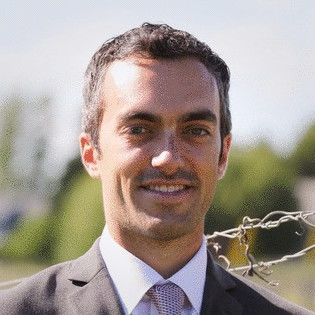 Louis Amira — Co-founder, ATXP
The trust-building ramp works for agents exactly as it does for new employees:
Phase 1 (runs 1–5): Research and generation only. All output is reversible. Review every output. Calibrate the instructions.
Phase 2 (runs 6–20): Add communication tasks with confirmation. The agent drafts; you approve before anything is sent.
Phase 3 (runs 21+): Remove confirmation for tasks where Phase 2 built confidence. Add low-stakes commerce tasks with confirmation. Extend autonomy incrementally.
The ramp isn’t caution for its own sake. It’s how you build an agent that works reliably rather than one that needs constant intervention.
Using the audit trail to investigate mistakes
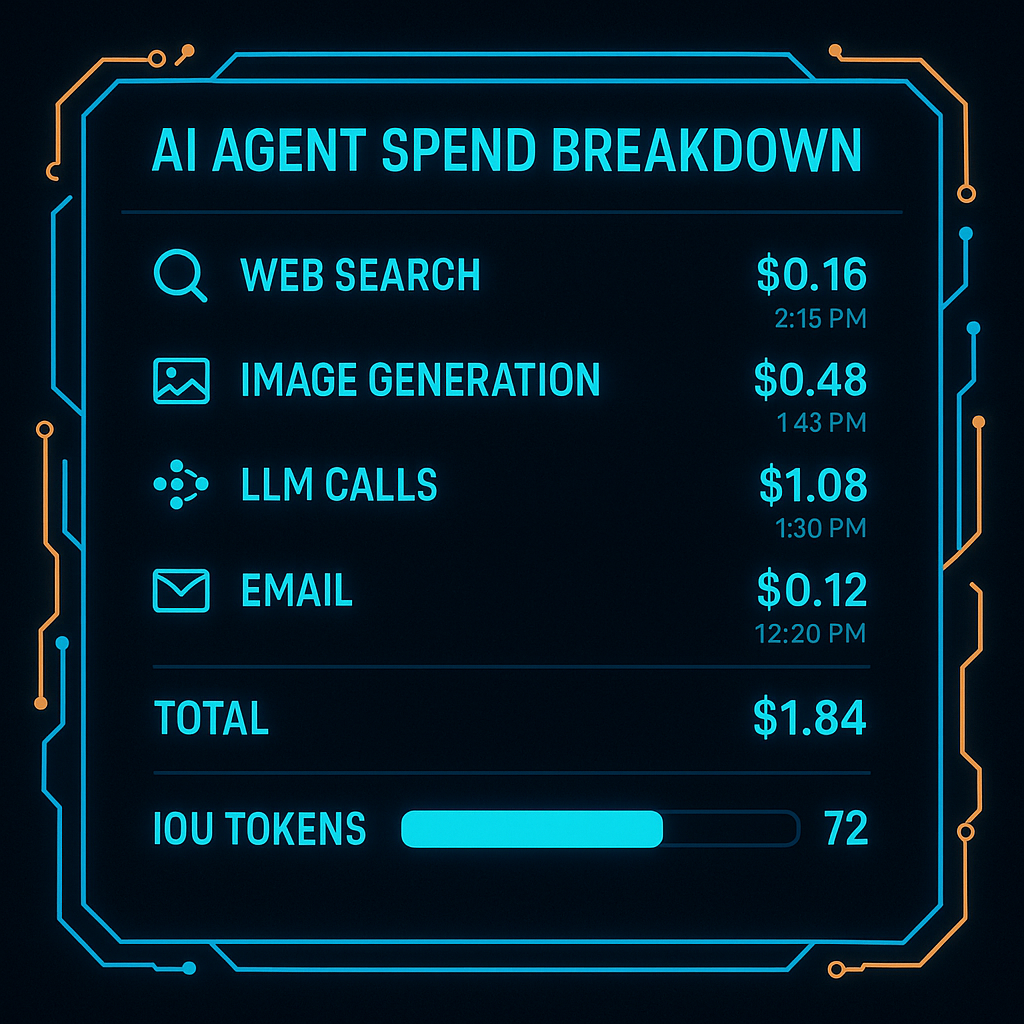
ATXP logs every tool call with:
- Timestamp and sequence
- Tool used and inputs provided
- Output received
- Cost charged against balance
When something goes wrong, the audit trail answers: What exactly did the agent do? In what order? With what inputs?
npx atxp log --agent "my-agent" --last 50This is the difference between “the agent did something wrong” (vague, hard to fix) and “the agent ran a web search with query X, got result Y, then interpreted it as Z and took action W” (specific, actionable, fixable).
The checklist for any new agent workflow
Before running a new agent workflow for the first time:
- Is the goal specific enough that a human could follow it precisely?
- Does the goal include success criteria and an abort condition?
- Are irreversible action categories (email send, purchases, file deletion) gated by confirmation steps?
- Is the agent’s scope explicitly bounded (“do not send, only draft”)?
- Is logging enabled so you can trace what happened?
- Is the spending ceiling set to a level where a mistake wouldn’t be catastrophic?
Pass all six before running unattended. The ones you skip tend to be the ones that cause the mistakes worth avoiding.
For the full safety framework: are AI agents safe? →
Frequently asked questions
What happens if my AI agent makes a mistake?
Depends on reversibility. Research/generation: discard and refine. Irreversible actions: recover via normal channels. The audit trail shows exactly what happened.
What kinds of mistakes do agents make?
Misunderstood goal (most common), tool errors, scope drift, and reasoning errors. The first is a specification problem; the others are addressable by design.
Can I undo what the agent did?
Reversible actions: yes. Sent emails, completed purchases, deleted files: requires recovery via normal channels. ATXP’s audit trail shows exactly what needs to be addressed.
How do I prevent mistakes?
Precise goals with success criteria, confirmation for irreversible actions, start with reversible task types, review the first 5–10 runs. How to design a safe agent →
What is a dry run?
An execution that plans without acting. The agent describes what it would do without making real tool calls. Catches specification problems before they become real mistakes.
How do I see what my agent did?
ATXP transaction log: every tool call, timestamp, input, output, cost. npx atxp log --last 50 How to audit your agent’s spending →