
How to Add ATXP to LangChain
LangChain gives your agent reasoning and workflow orchestration. ATXP gives it the ability to act in the world: search, browse, generate, pay, and communicate. The two connect in three lines of Python.
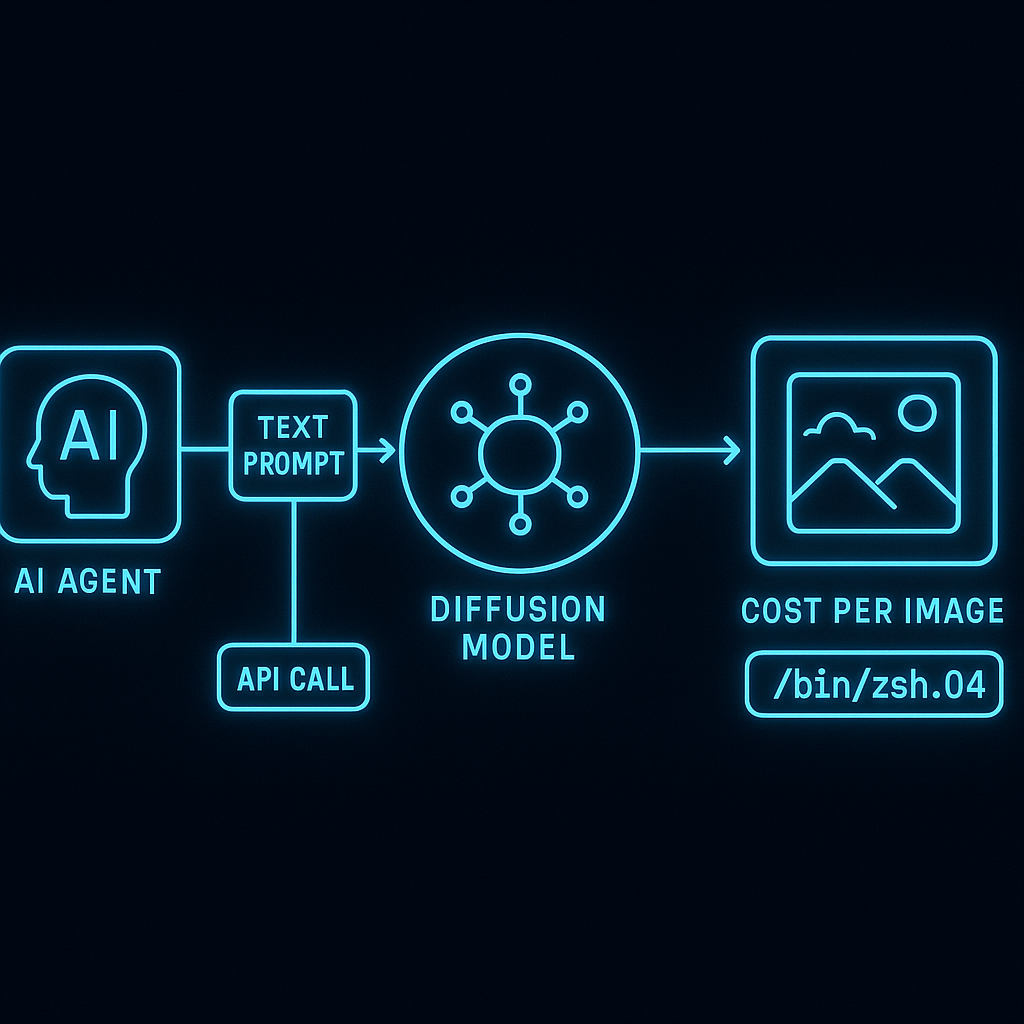
The short answer
from atxp import AtxpToolkit

tools = AtxpToolkit.from_env().get_tools()
agent = create_react_agent(llm, tools)
That’s the integration. AtxpToolkit returns all ATXP tools as standard LangChain BaseTool instances. Pass them to any LangChain agent and the agent immediately has web search, web browsing, image generation, email, payments, and more.
Prerequisites
# Install dependencies
pip install langchain langchain-anthropic atxp

# Set up your ATXP account (one-time)
npx atxp

# Set environment variable
export ATXP_API_KEY="your-key-from-npx-atxp"
Complete setup: ReAct agent
from langchain_anthropic import ChatAnthropic
from langchain.agents import create_react_agent, AgentExecutor
from langchain import hub
from atxp import AtxpToolkit

# Load ATXP tools
tools = AtxpToolkit.from_env().get_tools()

# Initialize model
llm = ChatAnthropic(model="claude-3-7-sonnet-latest")

# Create agent
prompt = hub.pull("hwchase17/react")
agent = create_react_agent(llm, tools, prompt)
agent_executor = AgentExecutor(agent=agent, tools=tools, verbose=True)

# Run a task
result = agent_executor.invoke({
    "input": "Research the top 3 MCP server frameworks and email me a comparison table at my agent email address"
})
The agent has web search, web browsing, and email access — it can research and deliver the output without any additional configuration.
Available tools
AtxpToolkit is ATXP's LangChain-compatible toolkit class that returns all ATXP tools as standard BaseTool instances. A single call to AtxpToolkit.from_env().get_tools() gives any LangChain agent access to web search, web browsing, image generation, email, payments, code execution, and file storage — all billed to the agent's IOU balance with no separate API keys per tool.
When you call AtxpToolkit.from_env().get_tools(), these tools are returned as LangChain-compatible tools:
| Tool name | What it does | Cost model |
|---|---|---|
web_search | Search the web with a query | Per query |
web_browse | Fetch and process a URL | Per page |
image_generate | Generate an image from a prompt | Per image |
audio_generate | Generate audio from text | Per second |
video_generate | Generate a short video clip | Per second |
email_send | Send from the agent’s @atxp.email address | Per message |
email_receive | Check the agent’s inbox | Per check |
code_execute | Run code in a sandboxed environment | Per run |
file_store | Store and retrieve files | Per MB |
llm_complete | Call an LLM via ATXP’s gateway | Per token |
payment_make | Complete a purchase | Per transaction |
balance_check | Check remaining IOU balance | Free |
All costs draw from the agent’s IOU balance. balance_check is free.
LangGraph integration
For agents built with LangGraph:
from langgraph.prebuilt import create_react_agent
from langchain_anthropic import ChatAnthropic
from atxp import AtxpToolkit

tools = AtxpToolkit.from_env().get_tools()
llm = ChatAnthropic(model="claude-3-7-sonnet-latest")

graph = create_react_agent(llm, tools=tools)

result = graph.invoke({
    "messages": [("user", "Generate a product image for 'minimalist desk lamp' and save it to storage")]
})
ATXP tools work identically in LangGraph — the toolkit returns the same BaseTool instances regardless of the agent architecture consuming them.
Custom chain setup
If you’re building a chain rather than a ReAct agent:
from langchain.chains import LLMChain
from langchain.prompts import PromptTemplate
from atxp import AtxpToolkit

# Load specific tools you need
toolkit = AtxpToolkit.from_env()
search_tool = toolkit.get_tool("web_search")
email_tool = toolkit.get_tool("email_send")

# Use tools directly in a custom chain
search_result = search_tool.run("current best practices for LangChain agent design 2026")
email_tool.run({
    "to": "team@company.com",
    "subject": "Research digest",
    "body": search_result
})
Individual tools can be called directly, or the full toolkit can be passed to any agent that accepts a list of tools.
Spending controls for LangChain agents
The IOU balance controls what any LangChain agent using this ATXP account can spend. Set limits before deploying an agent unattended:
# Set a daily spending cap
npx atxp limits --daily 10

# Set a per-commerce-transaction limit
npx atxp limits --commerce 25

# Check current balance and limits
npx atxp status
A LangChain agent can never spend more than the IOU balance — regardless of how many times it calls tools or how deep a loop runs.
Viewing activity from LangChain sessions
npx atxp log --last 50Shows every ATXP tool call made by your LangChain agent, with timestamp, tool, inputs, output summary, and tokens charged. Useful for debugging and cost analysis.
# Full setup in two commands
pip install atxp && npx atxp
10 free IOU tokens on registration. Full docs at docs.atxp.ai →
For other frameworks: How to add ATXP to Claude Code → · How to build an agent without API keys →
Frequently asked questions
How do I add ATXP to LangChain?
tools = AtxpToolkit.from_env().get_tools() — three lines total including the import and passing tools to your agent.
What does ATXP add to LangChain?
14+ tools (web search, browsing, image/audio/video generation, email, payments, code execution), agent identity, and a pre-funded payment account.
Does ATXP work with existing LangChain tools?
Yes — returns standard BaseTool instances, combines with any other tools, works with all agent types.
Which LangChain agent types work?
All of them — ReAct, OpenAI functions, LangGraph, custom chains.
How does payment work?
The agent’s IOU balance is charged per tool call. No payment logic required in your code.
How do I track spending?
npx atxp log — every tool call logged. Full audit guide →